A start page for your Mac and iPhone
The time, your week, the weather and your calendar, next to your stickies, your word for the year and the links you open most.
Try the papers and handwriting
finish chapter 3
water the plants
Paper
Handwriting
Free with every deck.
Price
Daft Deck
Every box, sync across devices, the Stationery look, three papers and one handwriting.
Daft Deck Pro
Four more looks, five more papers, five more handwritings, and more than one of any box. Pay once and it comes with you to every device.
What you can put on it
- Clock, week and weather. The date, the week of the year and a five-day forecast for your city.
- Google Calendar. Your next two weeks of events.
- Stickies. Handwritten notes and checklists with titles, labels and search. Pin, color, archive, and get deleted ones back from Trash for 7 days.
- Quick links. A dock of the sites and apps you open most.
- Words and intentions. A word for the year, a word for the month, a guiding principle and statements for the year, with past years kept.
- Daily boxes. A to-do list, one big thing for today, habits, a gratitude list, countdowns, year progress and a focus timer.
Add, move and resize the boxes however you like. Pick a look, a paper and a handwriting for the stickies, or switch to dark.
On your iPhone
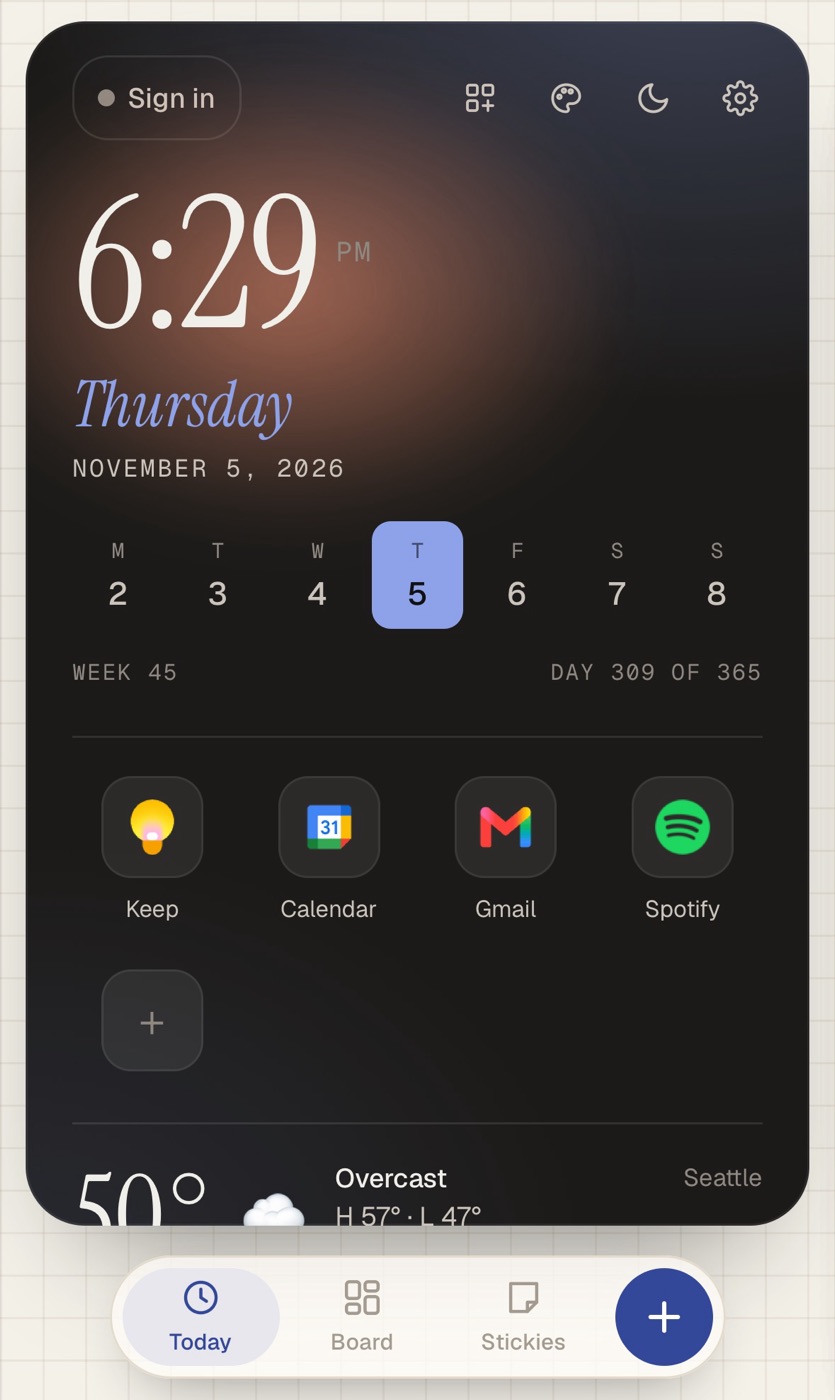
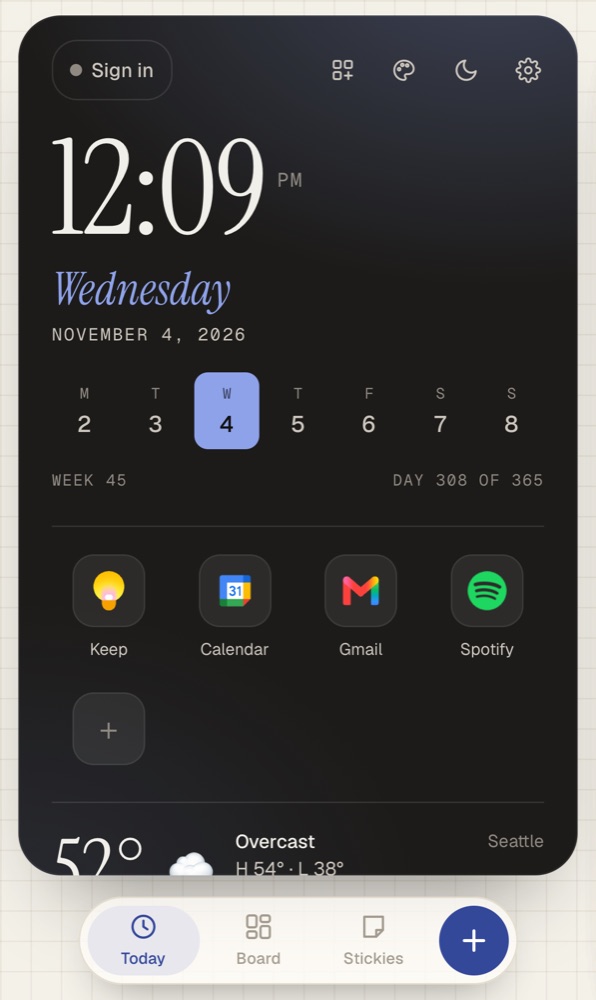
The phone version is a deck you swipe through: Today, Board and Stickies. Add it to your Home Screen and it opens like any other app, even without a connection.
On a Mac, Safari can add it to your Dock so it opens in its own window. Chrome and Edge can install it too.
Your deck on every device
Daft Deck works without an account. If you want it on more than one device, make one and you'll get a six-word phrase. Sign in with that phrase anywhere and your deck stays in sync. There's no email or password to manage.
Ways to use it
Questions
Is it free?
Yes. Every box is free, and so is sync across devices. Pro adds more looks, papers and handwriting, and lets you add more than one of any box. It's $12 once.
Do I need an account?
No. Daft Deck works without one. Make one only if you want your deck on more than one device. You get a six-word phrase, with no email or password.
Does it work on iPhone?
Yes. Add it to your Home Screen and it opens like an app. The phone version is a deck you swipe through: Today, Board and Stickies.
Can I make it my browser's home page?
Yes. In Safari on a Mac, open Settings → General, set Homepage to deck.glowdaft.com, and set new windows and new tabs to open with Homepage. In Chrome, open Settings → On startup → Open a specific page and add deck.glowdaft.com. There are step-by-step guides for Safari, Chrome, Edge, Firefox and iPhone.
Does it work offline?
Yes. Once you've opened it, your deck loads without a connection. Weather and calendar update when you're back online.
Do you track me?
No ads, no tracking. We only count visits. Your deck is kept in your browser. If you make an account, a copy is also kept on our server so your devices stay in sync. The details are in the privacy policy.
Can I get a refund on Pro?
Yes, within 14 days, no reason needed. See refunds and terms.
Who makes it
Daft Deck is made with love by  GlowDaft. Questions and ideas are welcome at support@glowdaft.com.